League operators need more than a signup form. A real basketball league needs divisions, player registration, team setup, draft pools, round rules, rosters, payments, standings, and a clean way for captains and operators to manage the season.
BALL OS Draft Mode connects those pieces so the draft is not a spreadsheet side quest. It becomes part of the same ecosystem as Player Passports, league pages, team rosters, and verified game history.
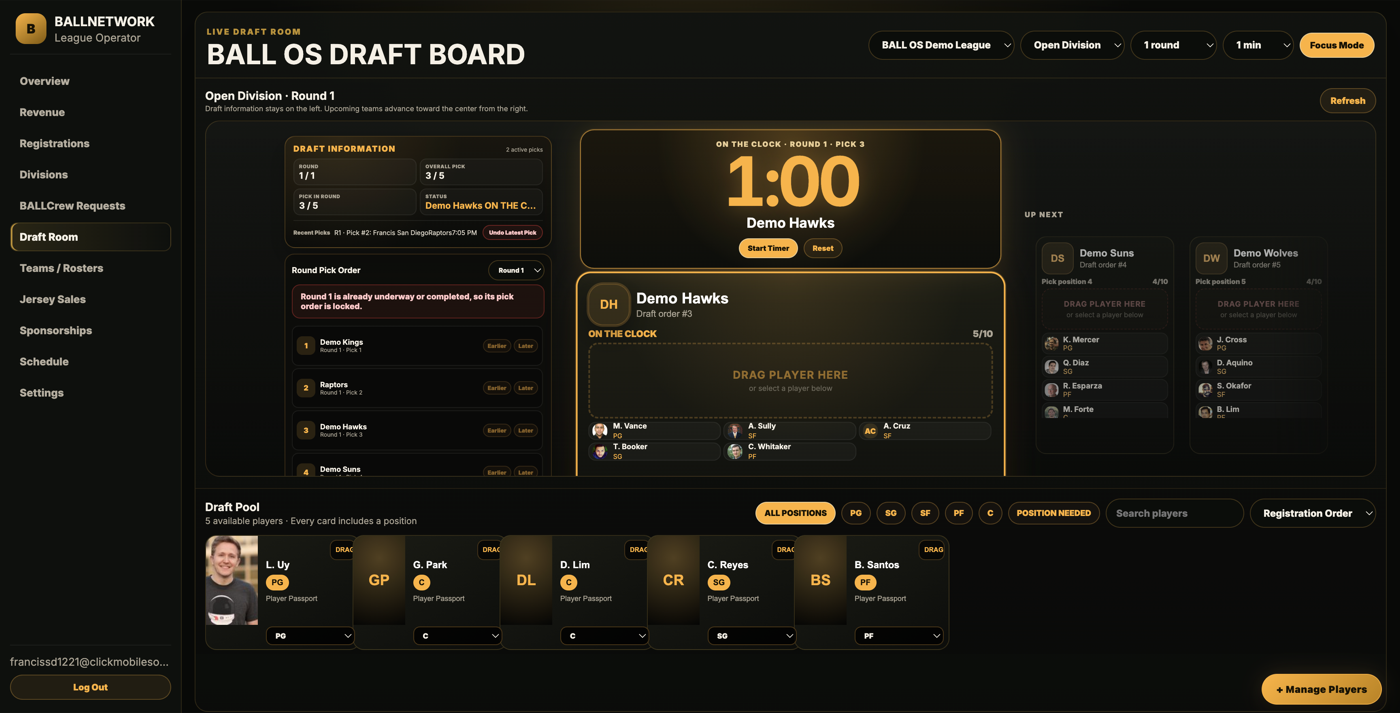
What Draft Mode connects
- Player registration and draft pool entry.
- Operator-configured draft rounds and division settings.
- Draft Room workflows for selecting and assigning players.
- Captain Control for team leadership and roster visibility.
- Automatic roster assignment into BALLNetwork team pages.
The operator workflow
Players sign up, choose the league path, and enter the draft pool or team flow.
The operator configures rounds, opens the Draft Room, and assigns players cleanly.
Teams, captains, and player cards connect into BALLNetwork identity pages.
The league moves into games, courts, times, matchups, and public schedule visibility.
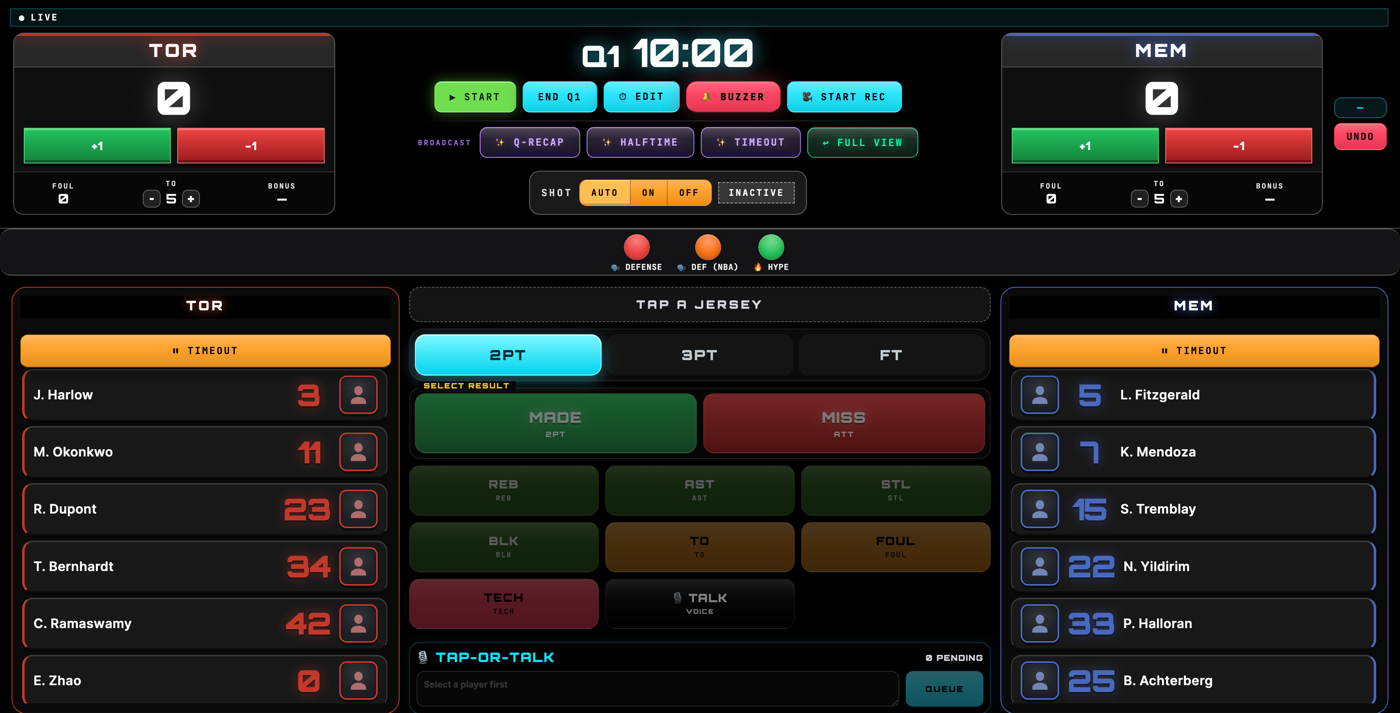
Scorers capture official events through BALL OS so the box score is structured.
Stats, standings, team records, and Player Passport history grow over the season.
Why it matters
Clean draft workflows reduce confusion, protect league operator control, and give players a clearer path from registration to team identity. Once games start, verified stats can flow back into the same Player Passport layer.
Draft Mode also protects the facility boundary
Facilities host courts and support the environment. League operators run the league. Keeping Draft Mode, draft pools, round settings, and roster management with the operator prevents overlap and keeps the business logic clear.
That distinction matters for BALLNetwork because facility profiles, league profiles, team pages, and Player Passports all need to connect without confusing who owns which workflow.